Would You Rather Singers Tower Tools Hub
Practical helpers that make Singers Tower climbs more intentional — starting with the Theme Planner.
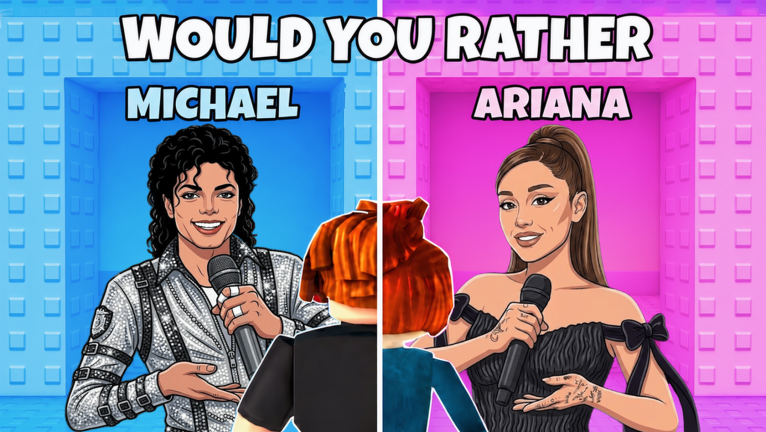
The Tools Hub is where this wiki stops being read-only. Would You Rather: Singers Tower rewards players who pre-commit to a musical identity. Our flagship helper is the Theme Planner, an on-page advisor for pop, rock, rap, boyband, and chaos climbs.
Why a tool beats another tip list
Guides teach principles. Tools force a choice. When you tap a vibe and receive climb advice, you are less likely to panic-swap at mid tower — the exact failure mode described in Reach the Top.
Tool index
| Tool | Job |
|---|---|
| Theme Planner | Pick a vibe → get door strategy bullets |
How tools connect to tiers and guides
- Choose a vibe in Theme Planner.
- Confirm archetype ranks on Singer Door Tiers.
- Keep Trap Door Ranking open while climbing.
- Review afterward with Best Paths.
What tools intentionally ignore
We do not build a fake codes redeem widget (Codes Status stays honest) or an auto-script runner (see Scripts Hub instead). Tools here support the intended fantasy.
Feedback loop
If a planner suggestion conflicts with a live patch, check Latest Updates and adjust. The UI strings localize with the site language pack.
Related
Guides Hub, How to Play, Players Hub.
Tooling philosophy on this wiki
We only ship tools that clarify decisions inside the real loop. A theme planner helps because the game is about identity sequencing. A fake redeem widget would mislead. An auto-clicker would fight Roblox rules. Expect this hub to stay small and sharp rather than bloated with gimmicks.
Future tool ideas we will only ship if useful
A printable party scoresheet or a trap-callout cheatsheet might join this hub later. We will not ship tools that pretend to redeem codes or auto-solve doors. Usefulness beats novelty on a wiki that already fights misinformation in the Codes and Scripts corners.
Tools hub closing note
Open Theme Planner before you open another tip video. Commitment tools outperform infinite scrolling.
Frequently Asked Questions
Quick answers to the most common questions.
Is the Theme Planner an official Crystal Corp tool?
No. It is a fan-made helper on this wiki.
Does it auto-play the game?
No. It only advises; you still walk through doors in Roblox.
Will more tools launch later?
If players need another helper (checklists, comparison sheets), we expand this hub.
Does it work on mobile browsers?
Yes — the planner UI is responsive.