Would You Rather Singers Tower Theme Planner Tool
Pre-commit to a musical vibe, then climb Would You Rather: Singers Tower with fewer panic picks.
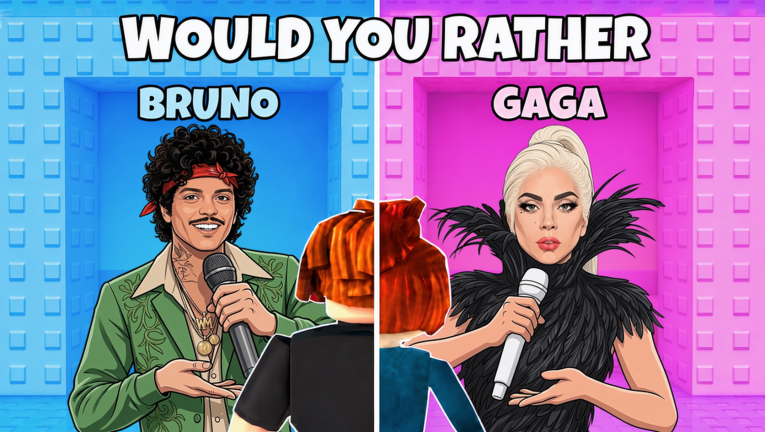
The Theme Planner helps you decide who you are becoming before the first door in Would You Rather: Singers Tower. Crystal Corp’s experience is a Roblox taste test: every floor offers musical destinies, and traps punish indecision. Use this tool, then climb.
How to use the planner
- Pick the vibe that matches your goal screenshot.
- Press the advice button.
- Climb with those bullets as rules, not vibes.
- Cross-check danger words using Trap Door Ranking.
Why pre-commitment works
Players who enter “whatever feels cool” mode oscillate between genres and finish with clutter. Players who enter with a contract — Pop Icons, Rock Legends, Rap Runway, Boyband Polish, or Wildcard Chaos — make faster door decisions and enjoy the summit more. That is the same philosophy behind Best Paths.
Pairing advice with tiers
| Planner vibe | Tier focus | Guide pair |
|---|---|---|
| Pop | S-tier pop archetypes | Singer Door Tiers |
| Rock | Legendary stage continuity | Reach the Top |
| Rap | Named hitmakers | How to Play |
| Boyband | Coordinated silhouettes | Multiplayer Tips |
| Wildcard | Controlled sabotage | Avoid Trap Doors |
Session template (with tool)
- 1 min: run planner
- 1 min: announce vibe in chat
- Full climb: enforce rules
- 2 min: note which floor broke the plan
- Optional: adjust path notes
What the tool will not do
- Redeem codes (none active — Codes Status)
- Inject scripts (Working Scripts)
- Guarantee identical doors every server
Advanced: dual-theme parties
In a friend server, each player runs a different planner vibe, then ranks summit reveals. It turns the wiki tool into a party game layer without leaving Roblox.
Related
Tools Hub, Tier List Hub, Guides Hub, Game Review.
Using the planner as a content series format
Creators can film five climbs — one per planner vibe — and compare summit reveals as an episode structure. Viewers learn trap cues alongside you, and the tool keeps each episode’s rules honest. Link viewers back to Trap Door Ranking when a dare label appears so the educational loop continues off-platform.
Planner plus replay protocol
After the planner gives advice, do not open five more tabs. Launch Roblox within one minute and play while the rules are fresh. If you wait an hour, you will renegotiate with yourself and undo the commitment the tool was designed to create.
Planner output as a live checklist
Treat each generated bullet as a yes/no gate at every door:
- Read both labels aloud.
- Ask whether either option satisfies the active vibe rule.
- If only one fits, take it — even if the other name is more famous.
- If neither fits, pick the plainer label and check Trap Door Ranking on the next floor.
Screenshot the advice panel before you alt-tab into Roblox. Mobile players can keep the wiki page open in split-screen; desktop players pin the tab beside the game window. The planner does not track history — your screenshot is the audit trail when friends debate whether you broke Pop Icons rules on floor five.
Weekly rotation idea
Run one vibe per weekday without repeating: Monday Pop, Tuesday Rock, Wednesday Rap, Thursday Boyband, Friday Wildcard. By weekend you have five summit screenshots to compare. Pair with Singer Door Tiers notes on which archetypes felt strongest each day.
Planner closing note
Film one climb per vibe if you create content. The planner turns episodes into honest rule sets viewers can copy.
Frequently Asked Questions
Quick answers to the most common questions.
Where is the interactive planner?
In the middle of this page — select a vibe and generate advice.
Can I change vibes mid-climb?
You can, but the tool’s value comes from not changing.
Does Wildcard encourage traps?
Yes — intentionally, for comedy runs.
Is my choice saved?
No server save; reselect whenever you open the page.